
Ready to stop writing temperatures by hand?
Leave us your details and schedule a conversation with our team. We will help you define which equipment to monitor and how to receive alerts.
Which columns a temperature log sheet needs, how often to record readings, the most common mistakes and how to move from paper to an automatic record.
Updated
A temperature log sheet is the most common way to keep track of cold rooms, refrigerators and display cases. It works if it is complete and kept with discipline. Here is what to record, how often and which mistakes to avoid.
Each row is one reading. At a minimum, record:
The range depends on each product and unit: set it in your procedure. The values in this example are for reference only.
| Date | Time | Unit | Temperature | Range | Owner | Corrective action |
|---|---|---|---|---|---|---|
| 2026-10-26 | 08:00 | Cold room 1 | 3.1 °C | 0 to 5 °C | Morning shift | — |
| 2026-10-26 | 08:05 | Refrigerated display case | 6.4 °C | 0 to 5 °C | Morning shift | Door closed and re-measured at 08:35: 4.2 °C |
Frequency is set by your self-control or HACCP plan, based on each product’s risk and what the health authority requires for your activity. What matters is that it stays consistent, covers every shift and that critical units are measured more often.
In Chile, the Food Sanitary Regulation (D.S. Nº 977/96, MINSAL) governs how food is stored, and a HACCP plan requires monitoring critical control points and recording corrective actions. Check with your advisor or the health authority which records apply to your activity.
With wireless sensors, the log fills itself: each unit reports its temperature every 10 minutes, Xpit Connect keeps the history and alerts you on WhatsApp when a value goes out of range. Your team only records corrective actions.
Compare manual and automated logging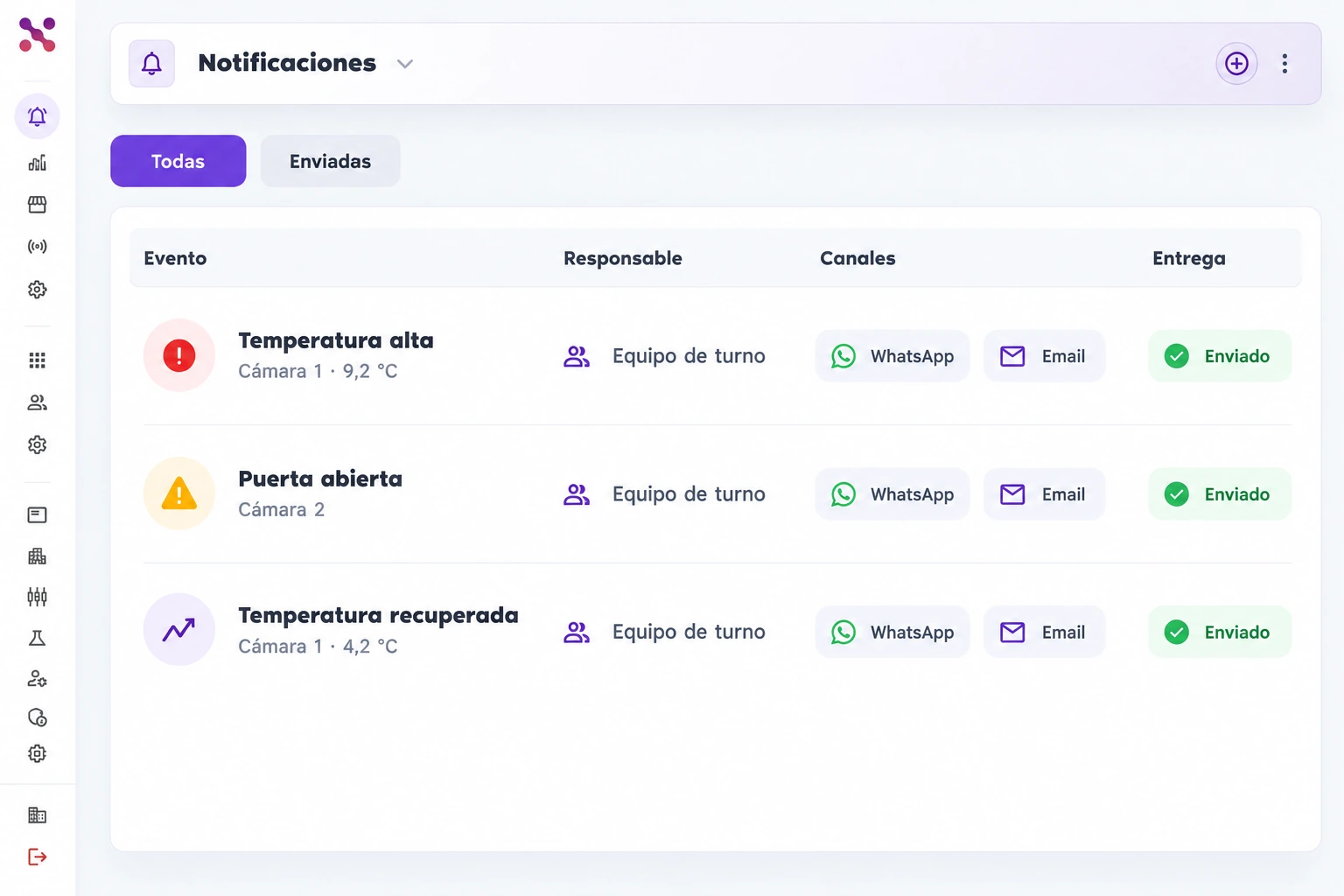
Yes, as long as each reading has a date, time, owner and corrective action. The risk is the same as on paper: it depends on someone measuring and writing it down on time.
Write down the value, take the action your procedure requires, such as checking the door or moving the product, and measure again. Record what you did, who did it and the result.
Leave us your details and schedule a conversation with our team. We will help you define which equipment to monitor and how to receive alerts.
 Hablemos