
Current clamps with wireless transmitters installed on generator cables
Everything we monitor

Generator set monitoring

Generator set monitoring with current clamps: know whether each unit is running, with how much load and for how many hours, and get the alert on WhatsApp.

A current clamp on the generator output cables shows whether it is running, how much load it delivers and how many hours it has operated. If it starts or stops, the owner receives the alert.

What it solves

01

Know whether the generator is running

The clamp detects when the generator delivers current and with how much load, at every site.

02

Start and stop alerts

If the generator starts during a power outage or stops, the owner receives the alert on WhatsApp.

03

Running hours for maintenance

Accumulates running hours so maintenance can be scheduled on time.

A current clamp on the generator output

The clamp opens and closes around the output cables, without cutting or disconnecting them, and is powered by the same current it measures.

  • No cutting or disconnecting cables
  • One clamp per phase on three-phase units
  • Estimated energy from the configured voltage and power factor

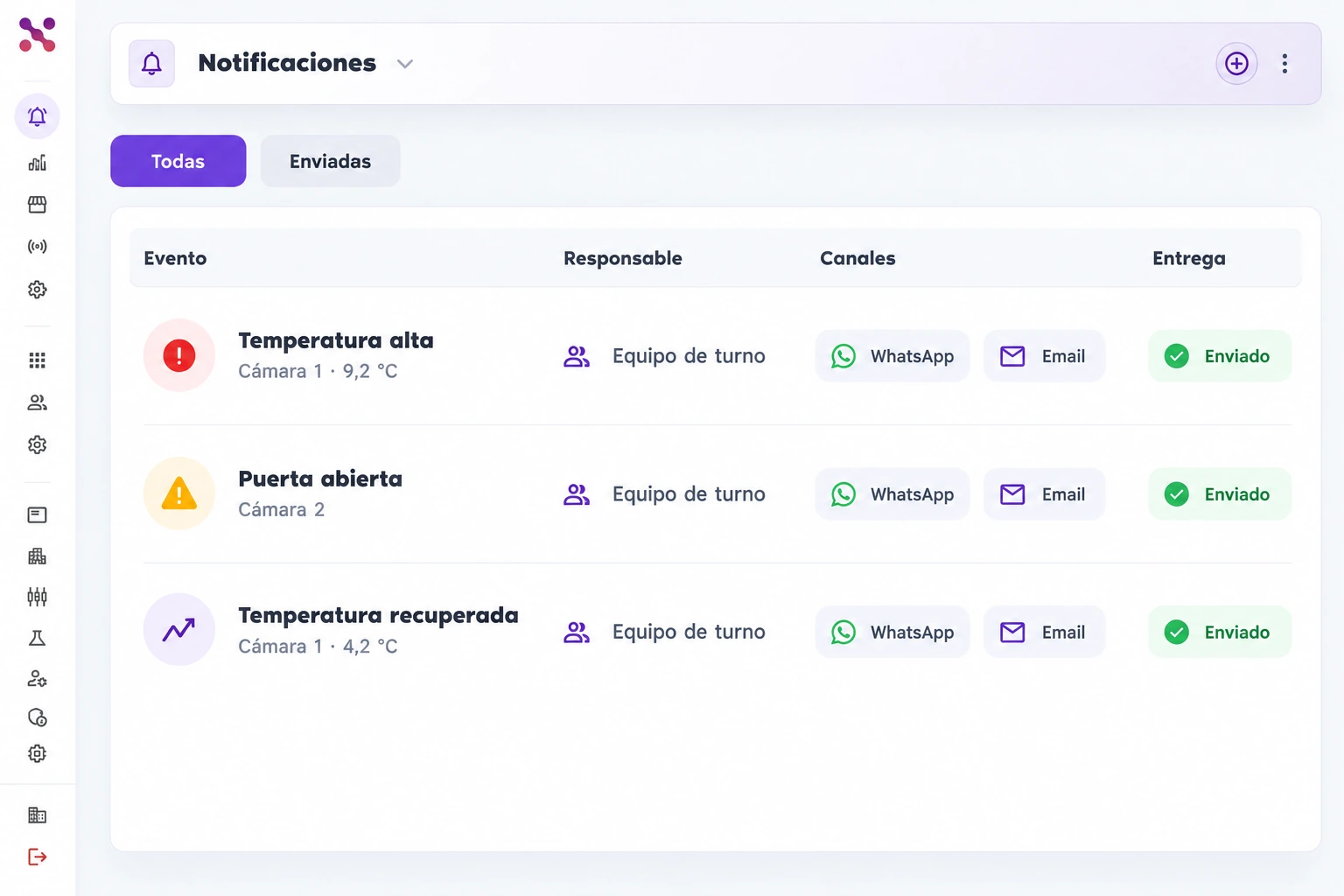
Alerts when the generator starts or stops

Each change reaches the owners you choose on WhatsApp, Slack or email. If the generator starts on its own during an outage, the alert also tells you the site lost grid power.
  • Owners per site
  • History of every start and stop
  • Alerts at any hour
Inbox with three temperature and open-door alerts assigned to the shift team, WhatsApp and Email channels, and sent delivery status.
Shift team alerts with delivery channels and status.
Inbox with three temperature and open-door alerts assigned to the shift team, WhatsApp and Email channels, and sent delivery status.

Scroll the image to explore its details

Hours and load to plan maintenance

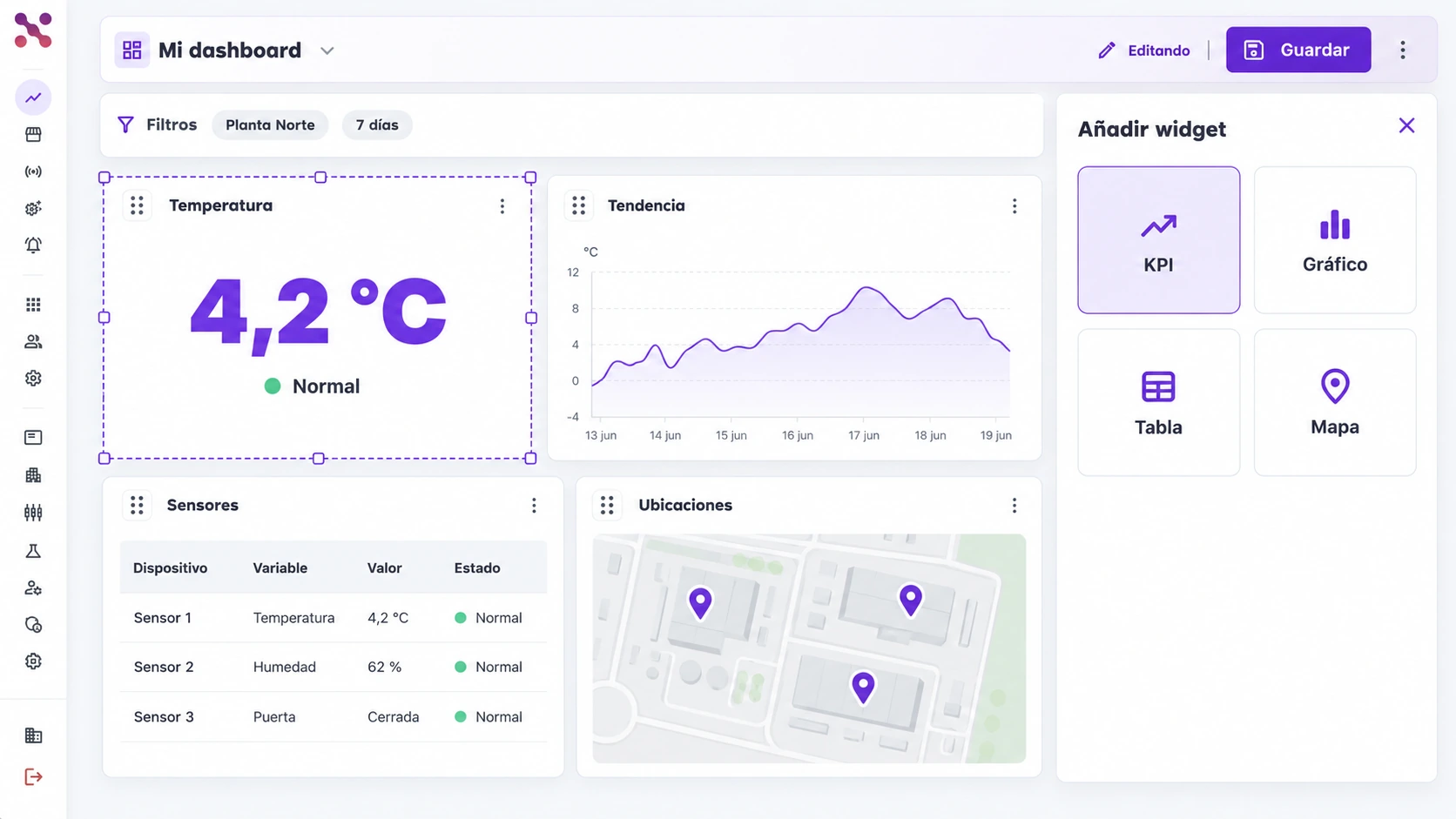
The dashboard accumulates each generator’s running hours and shows its load, to schedule maintenance and review every event.
  • Accumulated running hours
  • Load per phase
  • Fuel level, depending on the unit
  • History per site
Dashboard filtered to Planta Norte and 7 days, with temperature, trend, table, and map widgets; one selected widget has a dashed border and the Add widget panel is open.
Four configurable widgets and a side panel for adding content.
Dashboard filtered to Planta Norte and 7 days, with temperature, trend, table, and map widgets; one selected widget has a dashed border and the Add widget panel is open.

Scroll the image to explore its details

How it works

Real-time data, immediate action

  1. Measure critical field variables with IoT

    • Sensors and gateways by zone
    • Thresholds aligned to your operation
    • Reliable data from the source
  2. Centralize all your information in Xpit Connect

    • Single view by site or equipment
    • Traceable and auditable history
    • Integration with existing sources
  3. Create dashboards, automations, and notifications

    • Role-based operational indicators
    • Automatic alerts for deviations
    • Fast actions for the team
FAQ

Your questions, answered

What does the current clamp measure?

It measures the current the generator delivers on each phase. That tells you whether it is running, with how much load and for how many hours. If you configure voltage and power factor, it also estimates energy in kWh.

Can I see the fuel level?

Yes. Depending on each generator, we take it from its own controller or from a sensor we install, and you see it in the same dashboard, with its alerts.

Does monitoring include automatic remote starting?

Remote starting is not assumed within monitoring scope. Any remote operation requires an assessment of compatibility, permissions, interlocks and safety conditions.

Take the first step toward a smarter, more automated operation.

Leave us your details and schedule a conversation with our team. We will help you identify monitoring, alerting, and automation opportunities for your business.

Hablemos